
Internal tool
Add bridal pictures
Your current four style cards are shown at the top. Your 10 new photos are below, numbered 1–10. Tell me which photos you'd like to use — you can replace existing cards or add more cards to the page. E.g. "Replace Romantic with Photo 3, add Photo 5 and Photo 7 as new cards."
Current style cards
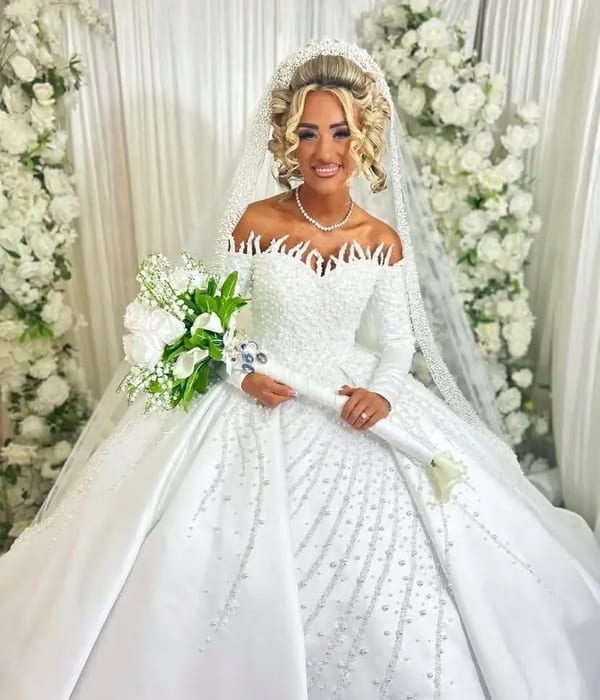
Romantic

Classic
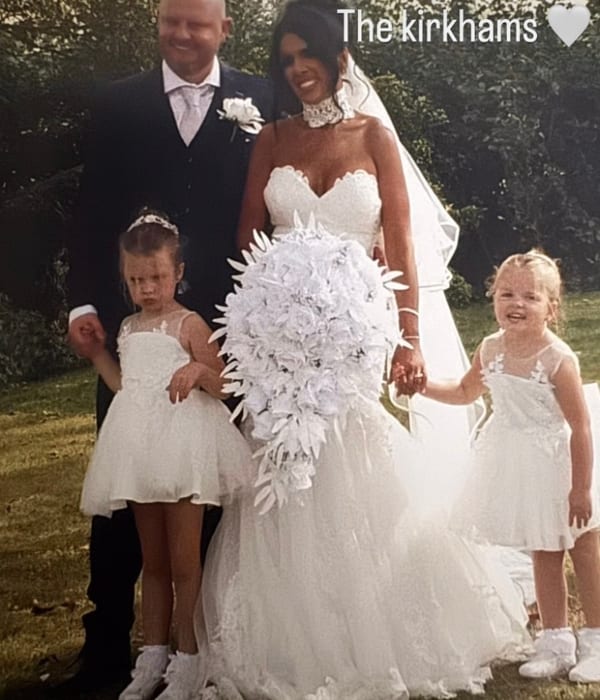
Wild
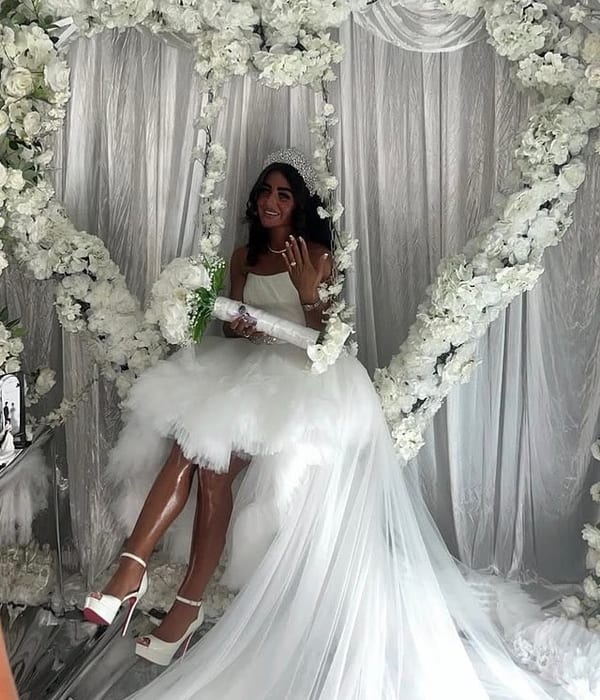
Modern
Your new photos (1–10)
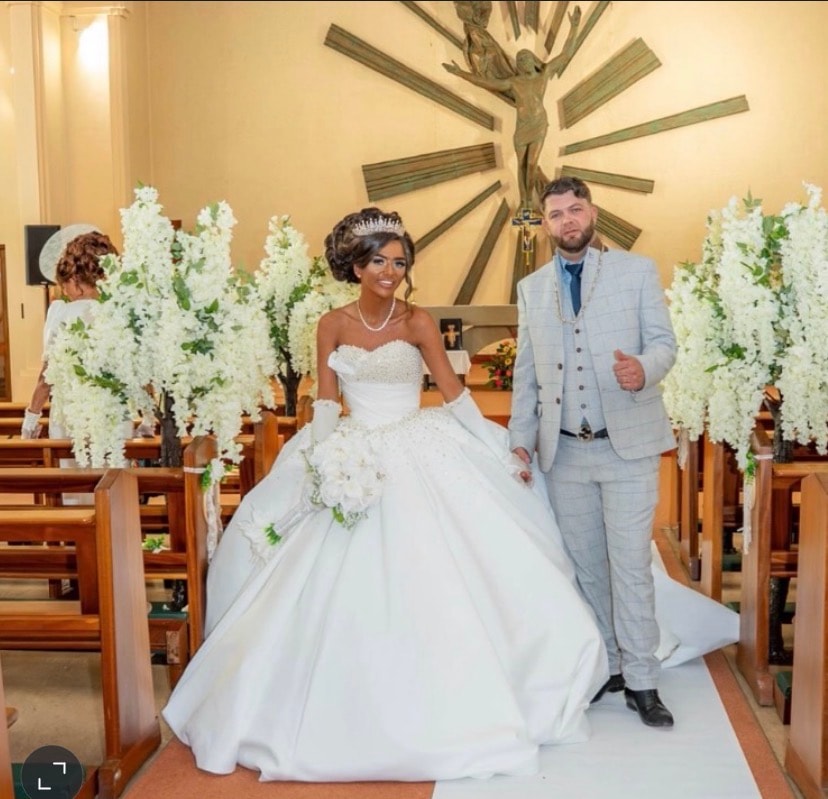
Photo 1
IMG_1781
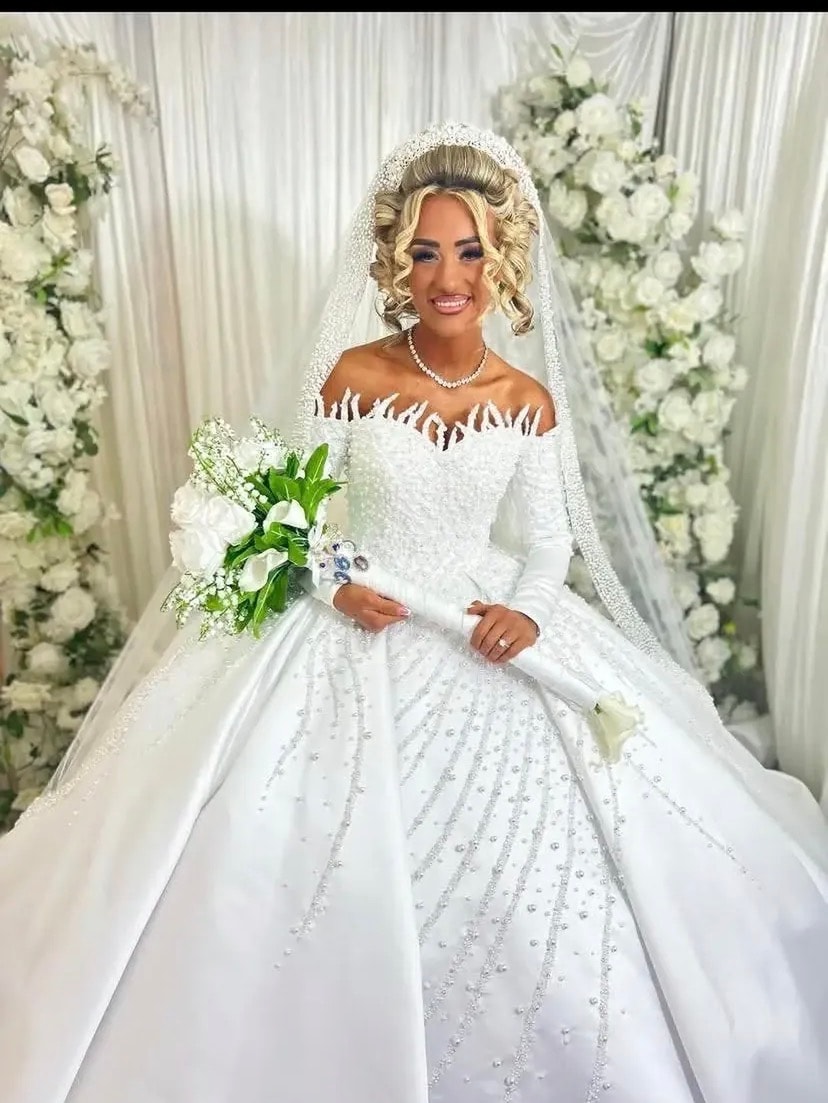
Photo 2
IMG_1793

Photo 3
IMG_1350
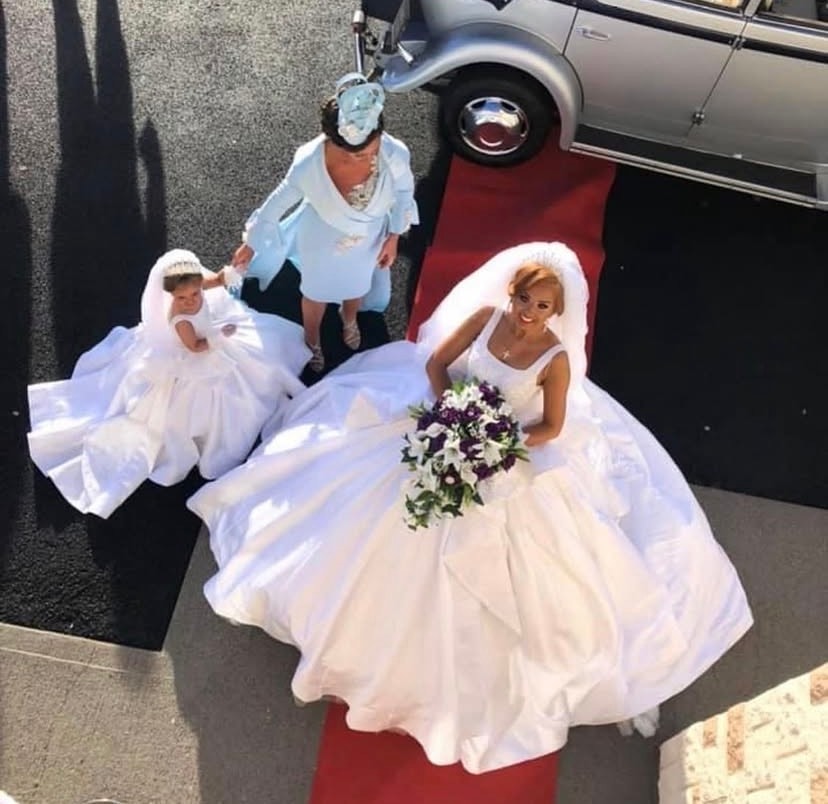
Photo 4
IMG_1345
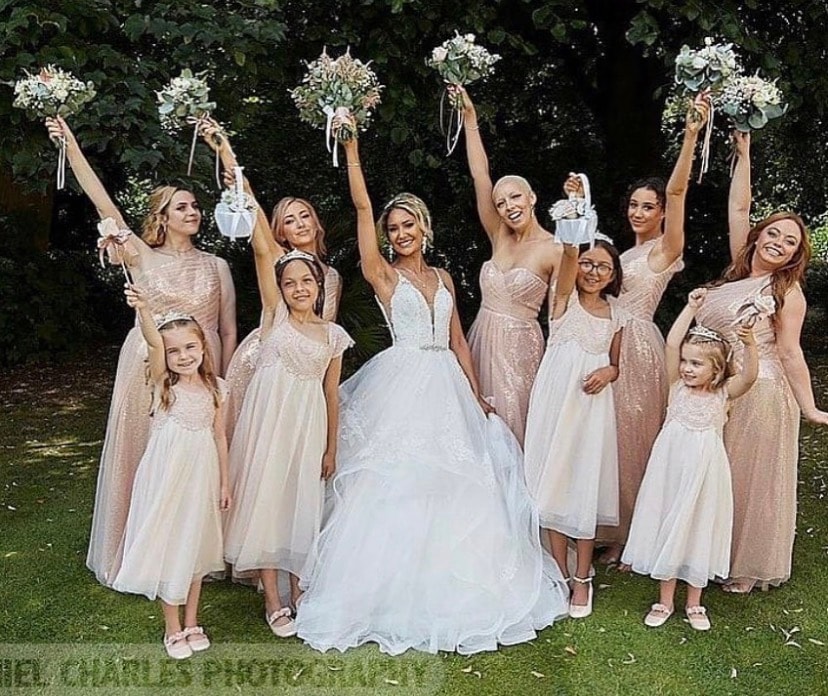
Photo 5
IMG_1344

Photo 6
IMG_2836
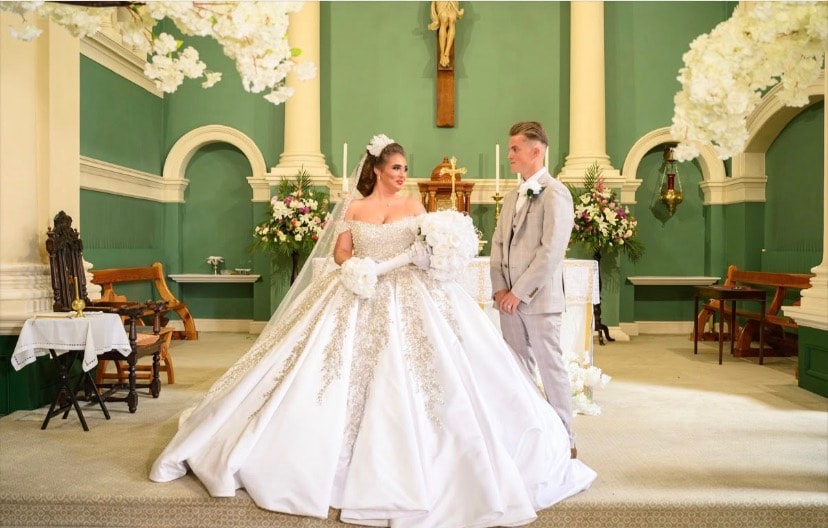
Photo 7
IMG_2509
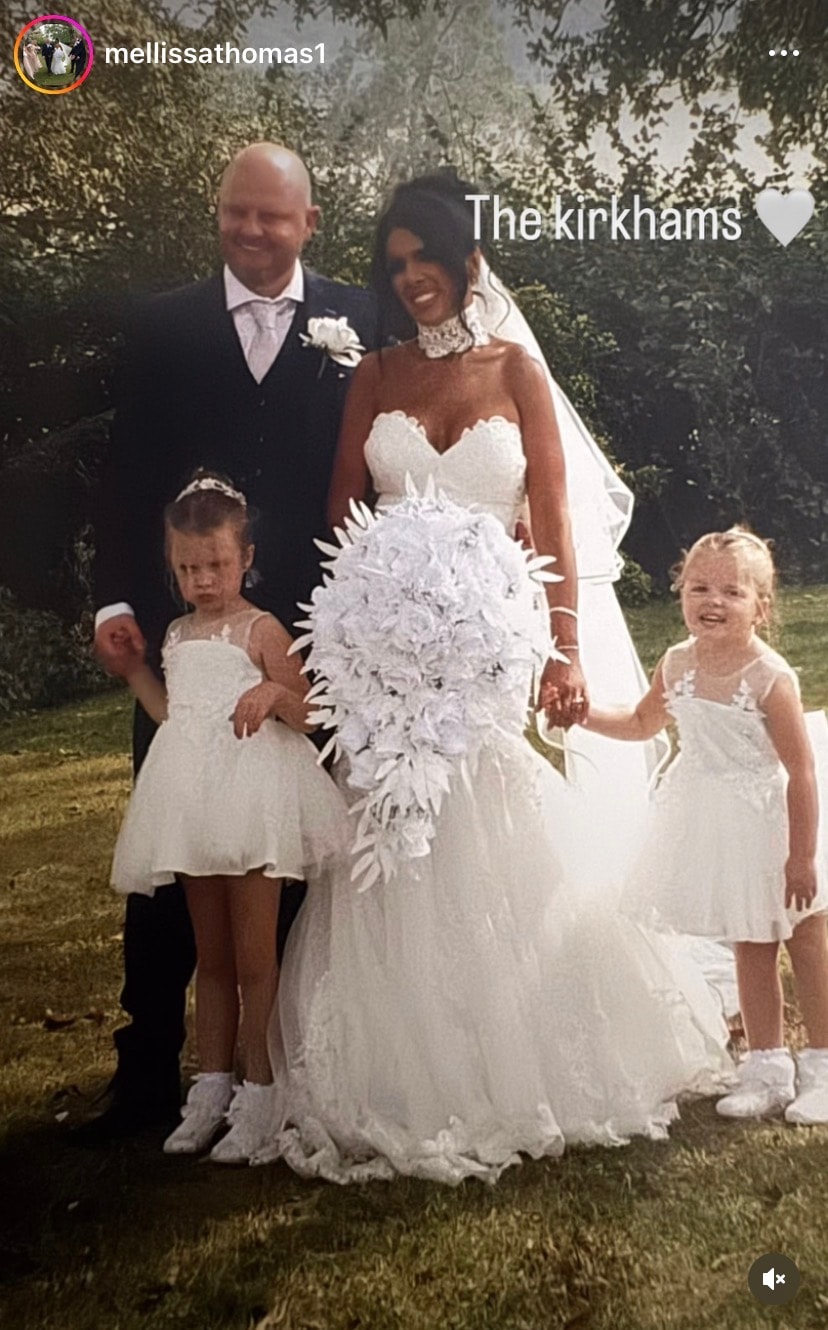
Photo 8
IMG_2367
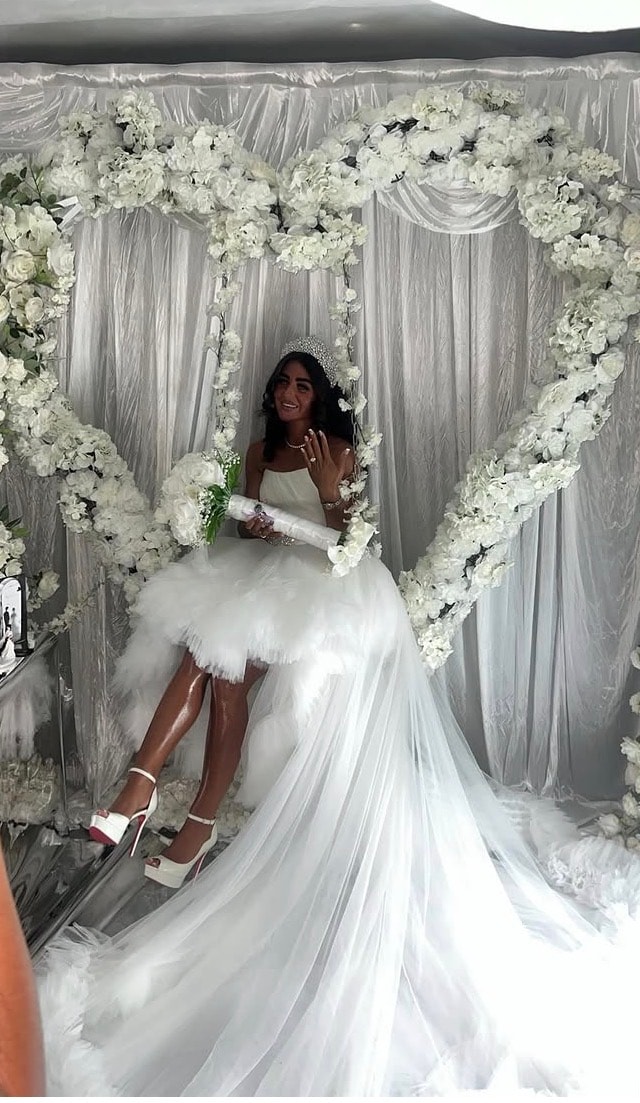
Photo 9
IMG_1946

Photo 10
IMG_0930
Tell me which photos you'd like to use and where — e.g.
"Replace Romantic with Photo 2, replace Wild with Photo 5"
or "Add Photo 1, 3, and 6 as new cards on the bridal page"